How to Fish Lost Radar Recovery Guide
Did your $10 Handheld Navigation Radar vanish from your inventory after reloading, dying at sea, or suffering a multiplayer desync? Here is our verified, fluff-free guide on why it disappeared, where replacement radars spawn, and how to get back on course without restarting your save.
Where Do You Find Your Lost Radar in How to Fish?
If your Handheld Navigation Radar disappeared after dying, reloading, or dropping it on the ground, follow these 4 proven recovery steps:
Walk up to any island merchant shop. Look at the base of the wooden signpost in the grass—interact (E) to buy a backup radar for $10.
Sail back to Lighthouse Beach on Island 1. The original vendor counter permanently restocks the $10 radar.
Open inventory with Tab and inspect secondary backpack slots. Drag the radar back into primary hotbar slots 1-4.
Press ESC and click "Save" immediately after repurchasing to ensure state persistence across game restarts (Patch 1.0.6+).
Player-Reported Solutions & Official Patch Verification
Mechanics involving shop post replacements, death recovery, and despawn behavior are based on player-reported Steam community findings and real gameplay observations. Official engine statements (such as Patch 1.0.6 save timing and Patch 1.0.10 ground persistence) are explicitly labeled with [Official Patch Notes]. We never present unverified rumors as official facts.
Don't Panic: You Do Not Need to Delete Your Save
The Handheld Navigation Radar is not a one-time quest reward that permanently locks progression if lost. Community players consistently report that replacement radars are available for repurchase at $10 across multiple island shop locations, so a lost radar does not mean a wiped run.
$10 Cash (Standard)
Lighthouse Shop & Signposts
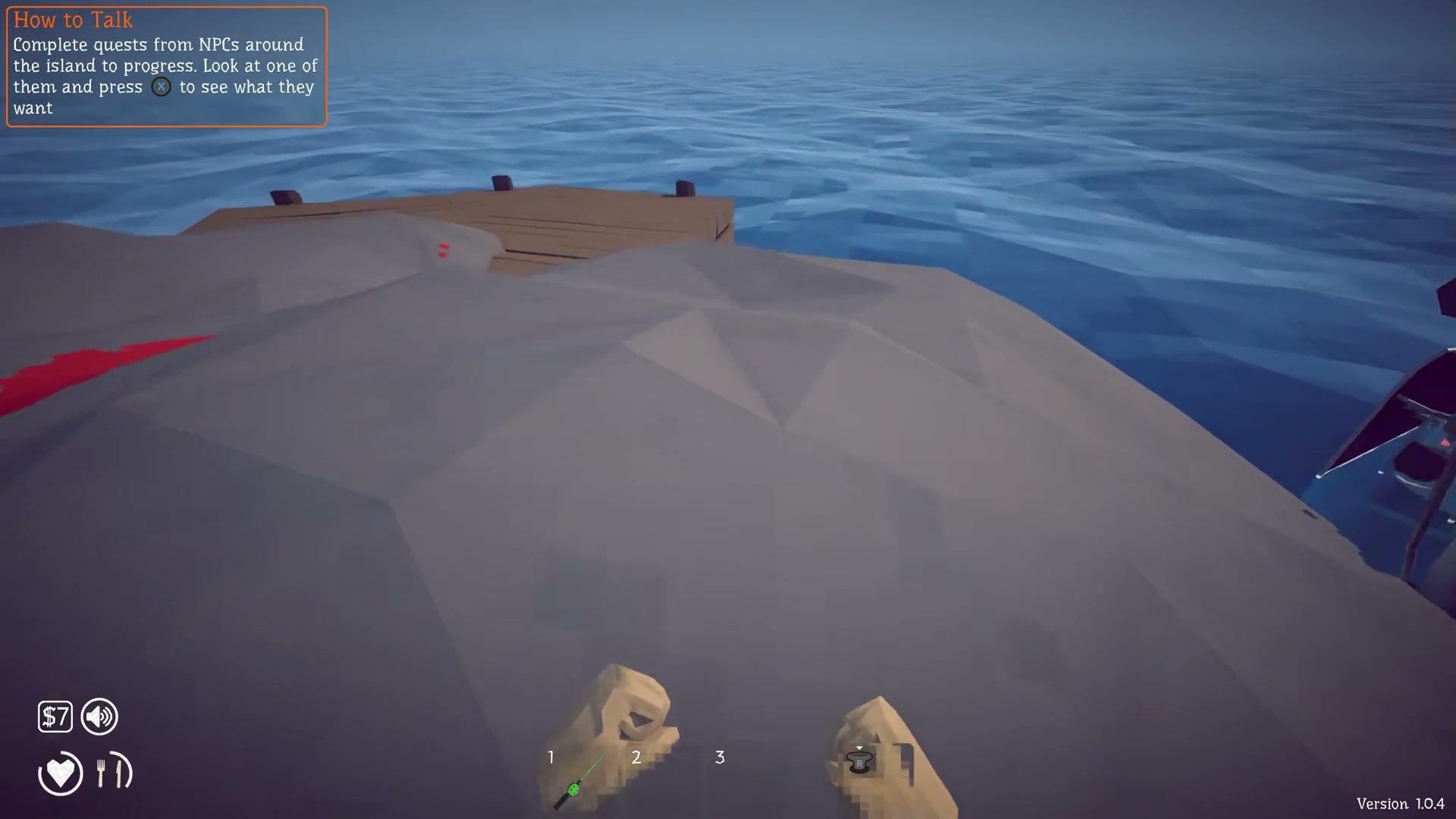 Handheld Navigation Radar ($10 Item)
1. Why Did My Radar Disappear? Common Trigger Scenarios
Community feedback identifies three primary events that cause players to lose track of their navigation radar:
Ground Drop Disappearance After Reload
Before Patch 1.0.10, items dropped onto the ground (such as dropping the radar to free up a slot for fish or weapons) were not saved across sessions. Quitting or reloading the game caused unheld physical ground entities to despawn completely.
Death Without Map 'X' Marker
When dying at sea or during boss encounters, players respawn at the base campfire without their active tool. Community players reported that death markers (red/white 'X' map indicators) appeared missing or unrendered, leading players to falsely assume the radar was permanently deleted.
Co-op Lobby Desync in Deep Ocean
In peer-to-peer multiplayer lobbies, high network latency or sudden host migration while traversing deep ocean zones can trigger physics desynchronization, causing dropped items to fall through deep-sea collision meshes beyond reachable retrieval bounds.
2. Step-by-Step Recovery Sequence (Recommended Order)
Follow these steps in sequence. Most missing radar cases are resolved at Step 1 or Step 2.
Check Island Shop Signposts for the Leaning Replacement Radar
Fastest SolutionWalk up to the island's trading post or general shop. Rather than inspecting the main countertop inventory, look closely at the base of the wooden signpost / support beam in the grass. A replacement Handheld Navigation Radar leans against the post. Approach it until the interact prompt appears and press E to repurchase it for $10.
Return to Island 1 Lighthouse Keeper Counter
Fallback VendorIf you cannot locate the signpost radar on forward islands, sail back to Island 1 (Lighthouse Beach). Players report that the original vendor (Captain Barnaby / Lighthouse Keeper) still offers the standard Handheld Navigation Radar for its initial $10 price, making the Island 1 shop a reliable fallback.
Inspect Secondary Utility Slots & Off-Hand Equips
UI VerificationEnsure the radar wasn't inadvertently shifted into a secondary utility or accessory slot. Open your inventory with Tab, verify all 4 hotbar slots and bag rows, and drag the radar directly into an active primary slot (Key 1-4) so it can be deployed with a clear bearing read.
Perform a Manual Save Protocol Before Exiting
Save IntegrityPer developer patch documentation (Patch 1.0.6), the game engine does not save world state when the application crashes — saves are only written when you press Save, the Main Menu, or Quit (plus a rolling 1-minute autosave). After repurchasing your radar, press ESC and explicitly click Save before returning to the main menu.
3. Patch 1.0.6 & 1.0.10: How Updates Altered Save & Drop Mechanics
Understanding developer changelogs prevents confusion regarding lost items. See our full Patch History & Changelog for complete version details.
Safe Crash Prevention Architecture & Save Timing
“No longer saves server or local when application crashes. It now instead saves when the user presses the Save-, Main Menu- and Quit-button. They are still autosaved every minute so you dont lose that much progress even if you crash.”
64-Item Ground Persistence & Death Marker Context
“Items dropped on the ground now persist between sessions (up to 64 items, prioritizing tools, weapons, quest items, and creatures).”
Steam Cloud Integration
“Added option for Steam Cloud saves.”
4. Disambiguation: What This Guide Covers vs. Other Systems
To prevent confusing different mechanics, use the dedicated guides below for unrelated issues:
Lost Boat or Missing Vessel?
If your wooden boat or engine disappeared, that is a vehicle physics issue rather than a tool loss. Our boat guide explains how shore anchoring auto-resets your ship.
Entire Save File or Weapons Lost?
If you suffered an all-item wipe or corrupted world file, inspect local save directory paths (AppData/LocalLow/DazedGames) and multiplayer treasury protocols.
How Does the Radar Work?
Need help understanding bearings, active slot occupation, or island coordinate triangulation? See our comprehensive explanation in the Homepage FAQ.
See the “Frequently Asked Questions” block on our homepage.
Frequently Asked Questions: Lost Radar Recovery
Verified solutions to common player questions regarding missing navigation radars, despawns, and island navigation:
Q:Where do you find a replacement radar if you lose it in How to Fish?
You can repurchase a replacement Handheld Navigation Radar for $10 directly from any island merchant's wooden signpost base or at Captain Barnaby's counter on Island 1 (Lighthouse Beach). Walk up to the signpost support beam outside the shop and press E to buy.
Q:Did a glitch permanently delete my radar after dying or reloading?
No, your save is not ruined. While pre-1.0.10 engine behavior occasionally despawned unheld items left on open ground across reloads, the game provides permanent $10 replacement radars at island shops specifically so players are never permanently stranded.
Q:Can you navigate between islands in How to Fish without a radar?
Yes, but it is risky. You can follow visible island silhouettes, lighthouse beacon lights at night, or water depth color changes (dark blue = deep ocean trench, cyan = shallow reef). However, buying the $10 replacement radar is strongly recommended to maintain accurate bearings.
Q:Why did my radar disappear from my hands in multiplayer co-op?
High network latency or host migration in peer-to-peer sessions can cause physics desynchronization when tossing tools between players, occasionally causing items to fall through deep-sea collision meshes. In co-op, designate one player as the dedicated navigator to prevent dropping items overboard.
Q:What should you do immediately after buying a replacement radar?
Place the radar in an active hotbar slot (Keys 1-4), press ESC, and click the manual 'Save' button. As documented in Patch 1.0.6, game state is written on manual save rather than on unexpected client closures.
Operational Best Practices: Never Lose Your Radar Again
- 1. Keep in Main Hotbar:Do not drop the radar on beaches to pick up low-value seashells. Always keep it in slot 1-4.
- 2. Manual ESC -> Save:Always manually save after repurchasing or reaching a new island before exiting the session.
- 3. Dedicated Navigator:In 4-player co-op, designate one player as the permanent navigator to avoid tossing the radar between players.